
Upload Statements
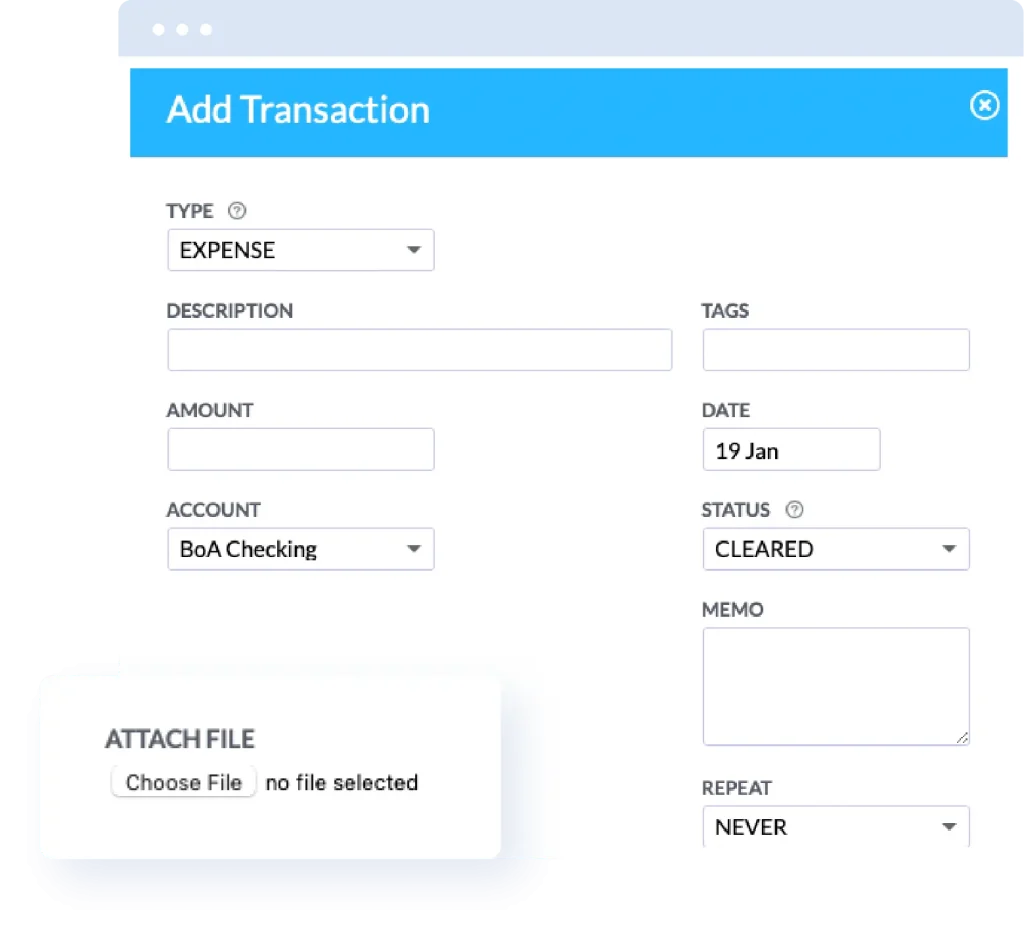
Upload Statements
In addition to automatic sync, Buxfer supports manually uploading data from your bank. You may want to do so if your bank is not supported for sync, or if you’d rather not enter your banking password on a service you don’t trust yet.
Upload Historical Data
You can bulk upload historical data you may have in a different financial software such as Quicken, MS Money, Mint.com, YNAB, Personal Capital among others.
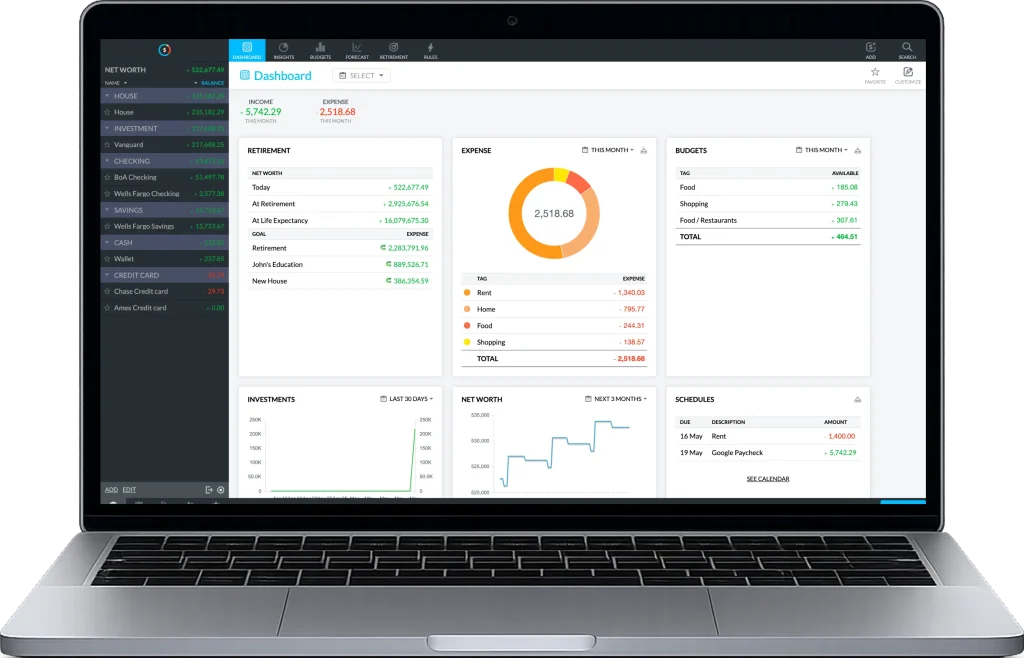
How It Works
Download
Download a statement from your bank in a supported format: Excel, OFX, QFX, QIF.
Upload
Upload the statement to Buxfer. You may be asked to provide more information (e.g., date format).
Stay Updated
Buxfer can remind you when your next statement is due.
Got questions? We got answers.
LET’S GET STARTED!
See all your accounts at one place. Track your income, expenses, savings & investments.